Save places.
Pitch the plan.
Save places you find on food sites, maps, and social media
in one spot — even with no plans yet.
Build itineraries from your list and send a few options to choose from.

Add from the share sheet
Save it straight from the Share button.
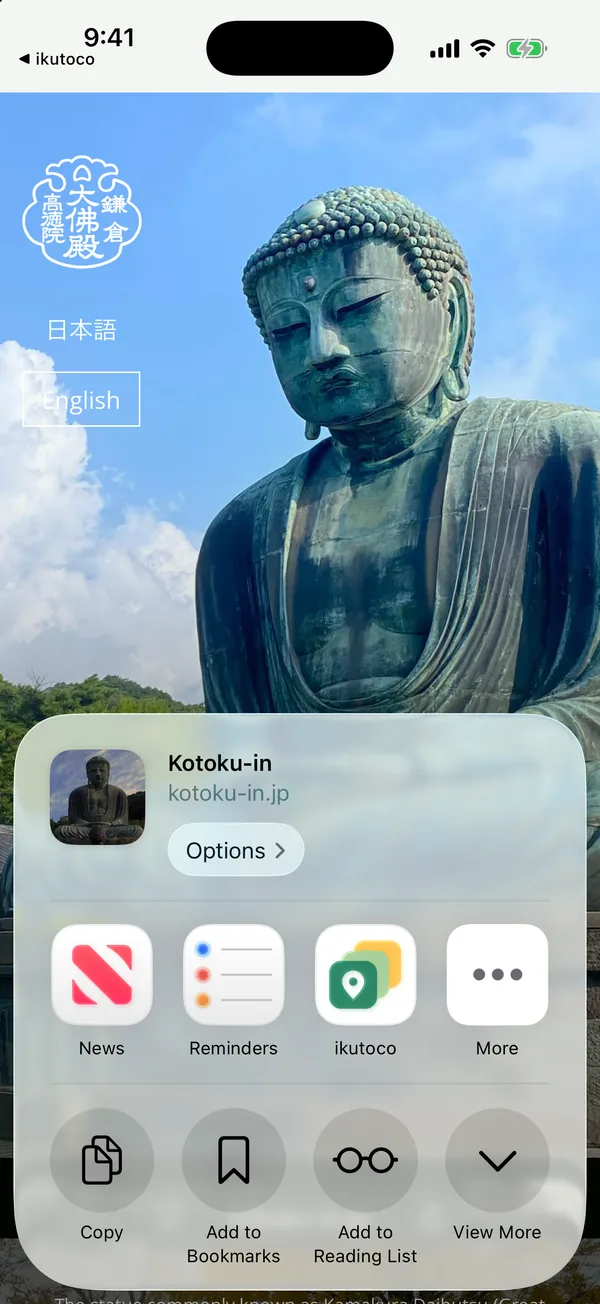
Found a place you want to go on social media, a map, or a food site? Tap Share, pick ikutoco, and save.
- 1
Tap Share and pick ikutoco
From Instagram, Google Maps, Tabelog, Safari — whatever app you're in.
- 2
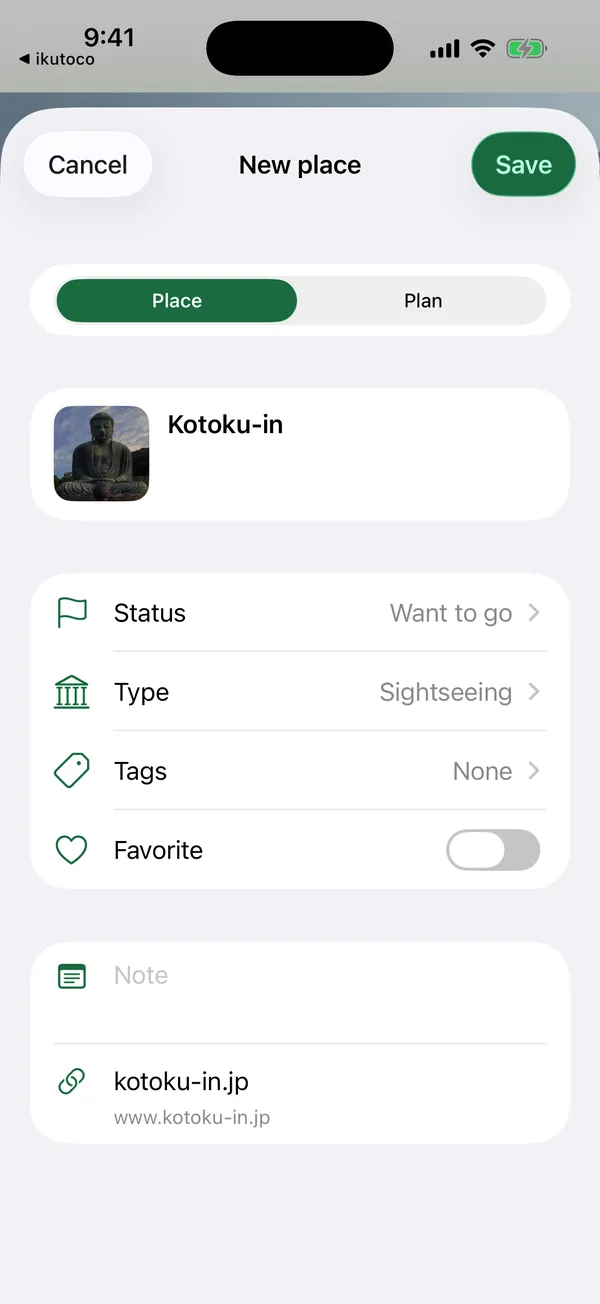
Tap Save
It opens with the name and link filled in.
The name is filled in when it can be read from the page.
- 3
Fill in details from a link
Map links can add an address and pin. Restaurant and hotel pages can fill in details we can read.
iPhone app
The share sheet works in the iPhone app. In the browser, paste a link.

What you can do with ikutoco
- Save placesFrom food sites, maps, and social — all in one place

- Organize and searchFilter by tag, area, or open now, or sort by distance

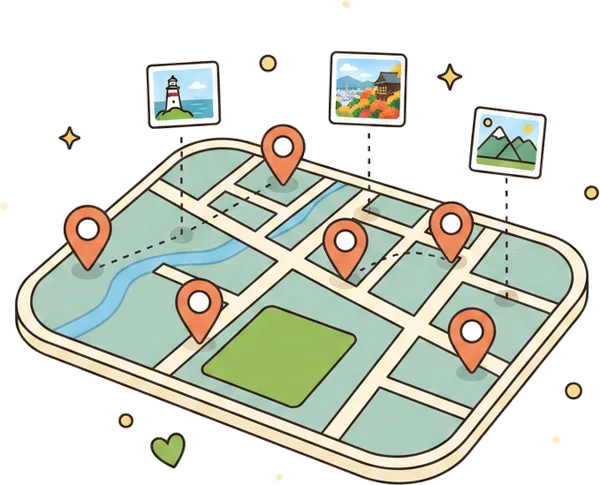
- See them on a mapSee saved places and options on a map — worldwide
- Build itinerariesKeep travel, times, and costs together
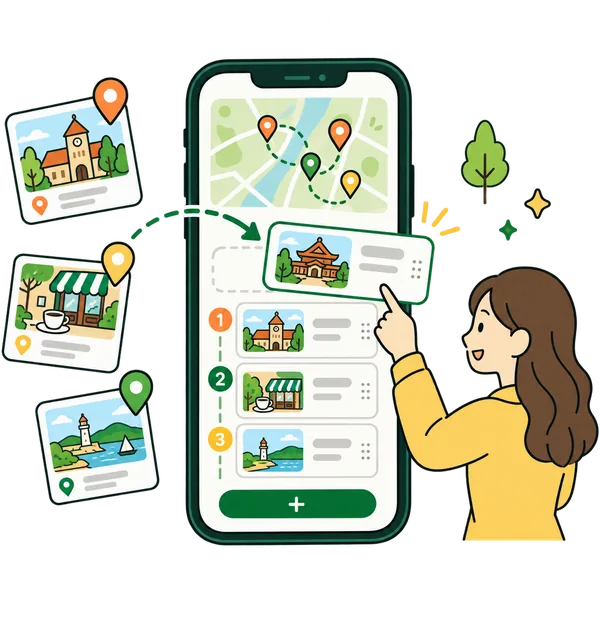
- Make a proposalJust pick a few options from what you've saved
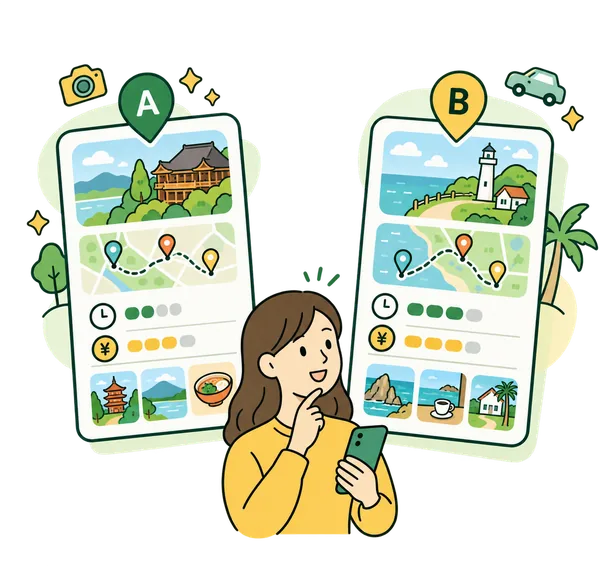
- Let them chooseLine up a few options and let them pick
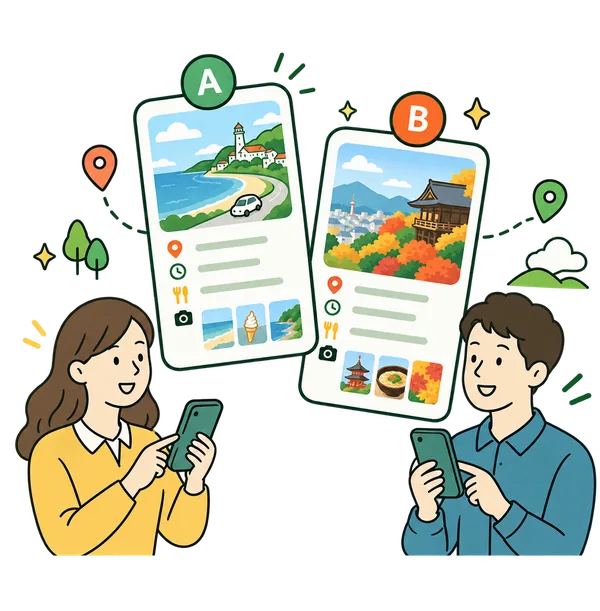
- Share with one linkNo sign-up or app needed to view

- Keep track of costsTotals and per-person costs from plans and travel

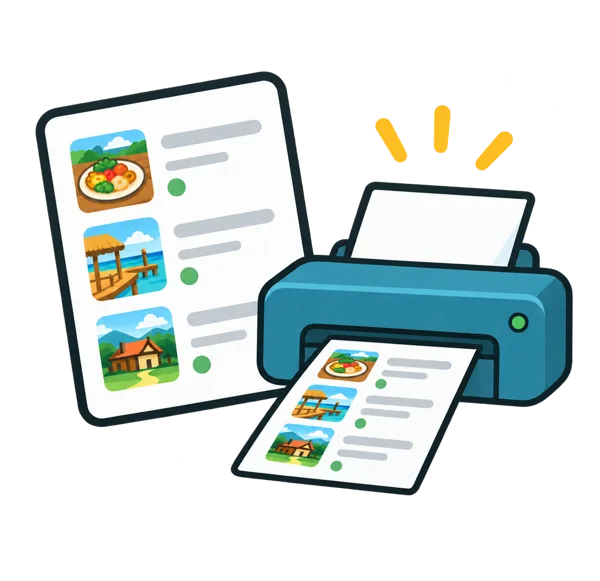
- Take a bookletFit an itinerary on one page — print or save as PDF
How it works
- 1
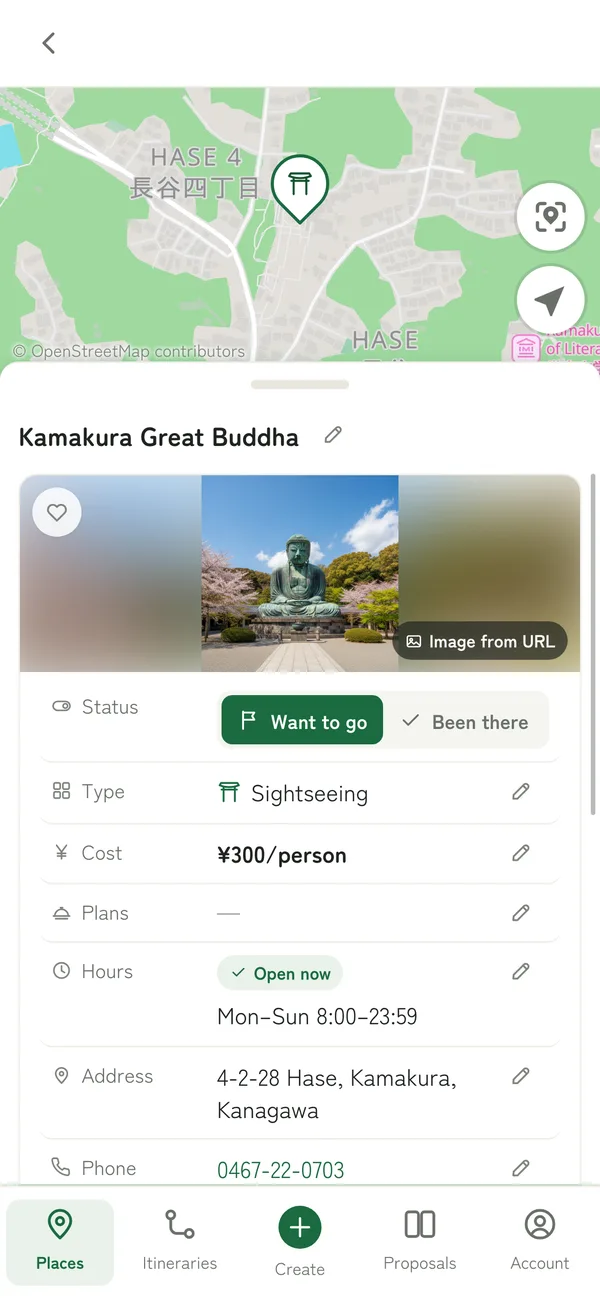
Save a place
Save in seconds from the Share button or a link
- 2
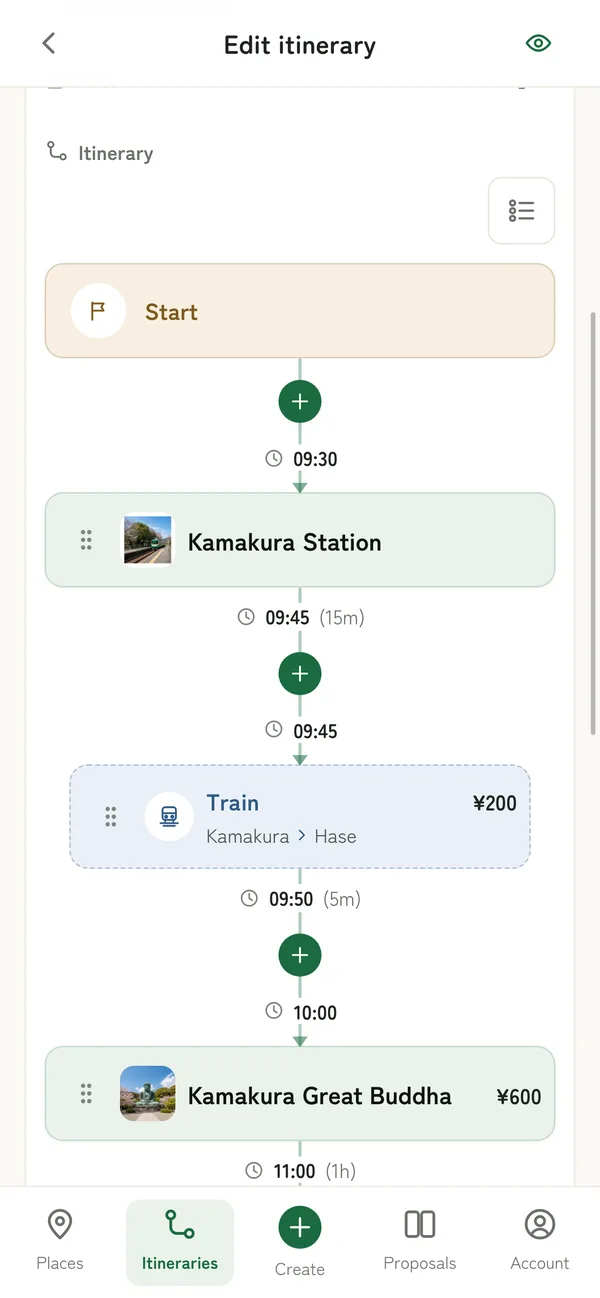
Build an itinerary
Keep travel, times, and costs together
- 3
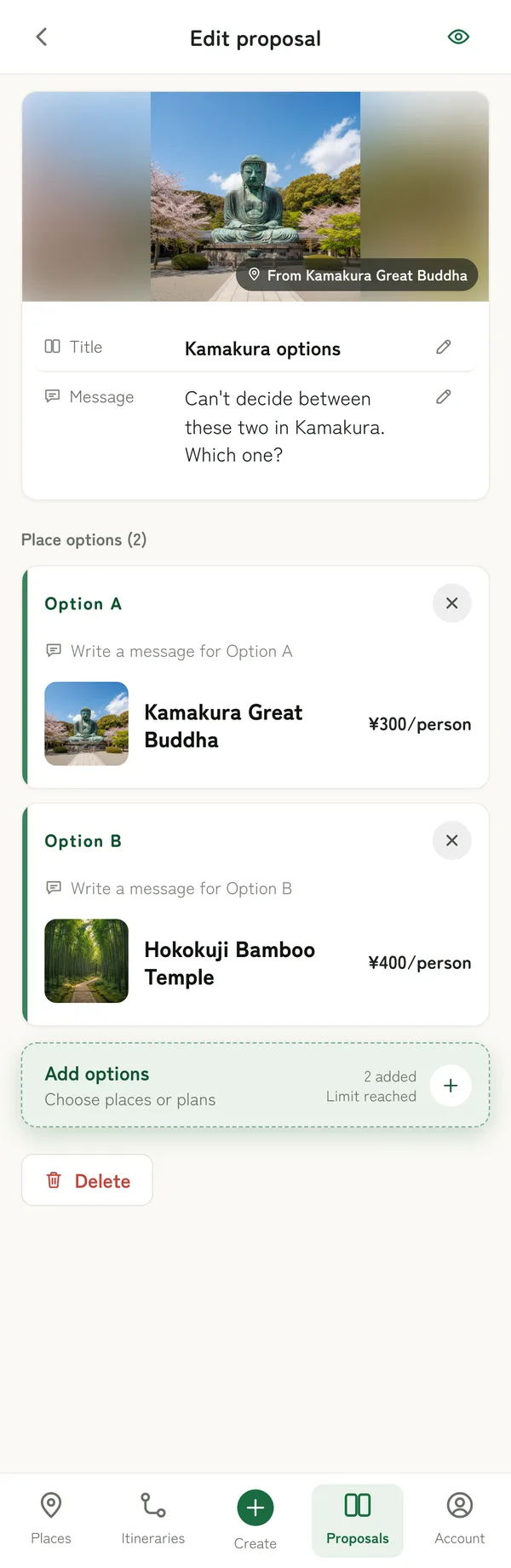
Gather your options
Line up places or a few itineraries
- 4
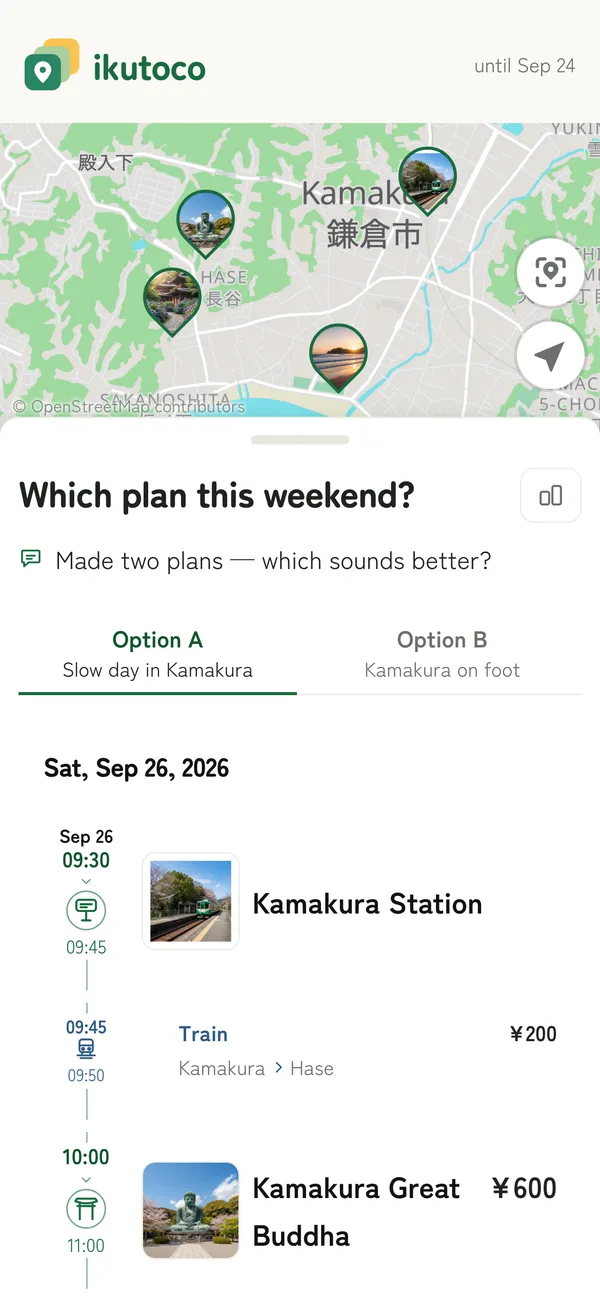
Share and let them pick
They just open the link — no app to install
Do more with ikutoco
- Paste a link, get the detailsThe name and address a restaurant or hotel page lists are filled in, and a pin drops on the map.
- Keep hotel and restaurant plansSave room plans and set menus, then use them for itinerary costs and proposal options.
- Let them compare itinerariesThey can see how options differ in cost, duration, and stops at a glance.
- Plan trips abroadWorldwide maps, overseas addresses, local-time open hours, and your choice of currency. Available in English.
- Keep a record of where you've beenVisits, ratings, and favorites turn your saved places into your own travel log.
- Keep things tidyClean up tags, delete in bulk, and review share links from Account.
- Use your own thumbnailsUse your own images for places, itineraries, and proposals (Pro).
- Import from CSVPick and import places from a CSV, such as your exported Google Maps saved lists (Pro).
- Use with AI assistantsAsk Claude, ChatGPT, and others to search, save, build itineraries, and share (Pro).
Great for

Everyday saving
Keep the restaurants and places you find on food sites, maps, and social media in one place before you have any plans — no digging for them again later.

Date night
Pick a few places from your list and let them choose. No more stalling at "anywhere's fine."

Trip planning
Plan days of stops, share a few options to choose from, and see the total cost and a per-person estimate.
Pricing
Free forever
- All the basics: save, plan, propose, and share
- Saving from links, maps, and printable booklets
- Plans for places and trips abroad
Limits apply to saved items and share links. Ads appear on some screens in the iPhone app.
or $29.99/year ($2.50/month)
- Unlimited places, itineraries, proposals, and share links
(rate limits apply to very heavy bursts) - Password-protected share links, open for up to 180 days
- Your own images as thumbnails
- AI assistants
(MCP) and CSV import - No ads in the iPhone app
Cancel anytime.
Free vs. Pro
| Feature | Free | Pro |
|---|---|---|
| Saved places | 50 | Unlimited |
| Itineraries | 3 | Unlimited |
| Proposals | 2 | Unlimited |
| Options per proposal | 2 | 10 |
| Active share links | 1 | Unlimited |
| Max share link expiry | 7 days | 180 days |
| Share link password | — | Yes |
| Your own images as thumbnails | — | 500MB |
| Ads in the app | Yes | No |
| Import from CSV | — | Yes |
| Use with AI assistants | — | Yes |
There's no cap on how many you save. If a very large number of operations comes in a short time, we pause them for a while. Rate limits
All prices include tax. Legal notice (Specified Commercial Transactions Act)
FAQ
- Do I have to make proposals to use ikutoco?
- No. You can use it just to save places you're curious about. Proposals and sharing are there for when you're making plans with someone.
- Do I need to type in names or addresses to add a place?
- No. Tap Share in the iPhone app, or paste a link in the browser, and the name and link are filled in (the name when it can be read from the page). Map links add the address and a pin, and restaurant and hotel pages add their image, plus hours and more if listed.
- Can I keep places I find on different sites and apps in one place?
- Yes. Save places from food sites, maps, social media, or any other site or app to ikutoco, and search them together by tag, area, or map. You can also import your Google Maps saved lists in one go (on the paid Pro plan).
- How much does it cost?
- ikutoco is free. To lift the limits or use share link passwords, AI assistants, and more, choose the paid Pro plan ($2.99/month or $29.99/year, tax included). Your first subscription starts with a 7-day free trial, and you can cancel anytime. On the Free plan, ads appear on some screens in the iPhone app.
- Where do I sign up for Pro?
- In your browser under Account → Plan, or on the Plan screen in the iPhone app (App Store). Wherever you subscribe, sign in with the same account and you'll have Pro on both the web and the app.
- Can people compare several itineraries?
- Yes. Put several itineraries in one link as options, and they can use Compare to see how cost, duration, and more differ.
- Can I keep track of hotel plans and set menus?
- Yes. Each place can have plans, and picking one in an itinerary totals its price. Available on the Free plan.
- How much detail can I track about costs?
- Costs for places and travel add up to an itinerary total, a per-person estimate, and a breakdown. ikutoco doesn't send money or split bills.
- Does the other person need an account? Can they edit?
- No account or app needed. The shared page is read-only, so get their answer the usual way — by text or chat.
- Is there a map?
- Yes. Browse your saved places on a map, and show a map on shared pages and booklets. Locations come from map links, linked pages, or the address you enter.
- Can I use it for trips abroad, and in English?
- Yes. Maps cover the whole world, and overseas addresses can drop pins. You can choose your currency and switch between English and Japanese.
- Can I upload my own images?
- On the paid Pro plan, you can use your own images as thumbnails. On the Free plan, choose an image made from the name or, for some links, an image from the linked page.
- Can I use it through an AI assistant?
- Yes. Ask Claude, ChatGPT, and others to search, save, build itineraries, and create share links (MCP, on the paid Pro plan). Deleting your account and subscription changes can't be done through AI.
- Can I bring over places saved in Google Maps?
- Yes. Import a CSV of your exported saved lists, choosing what to bring over (on the paid Pro plan). Add an address to an imported place to give it a pin.
- Is there a mobile app?
- Yes, there's an iPhone app on the App Store. Save places right from the Share button. On computers and other phones, use ikutoco in your browser.
Start by saving just one place.
Get started in seconds with your Google or Apple account. Proposals and sharing are there whenever you're making plans with someone.
Get started for free